01
Capture
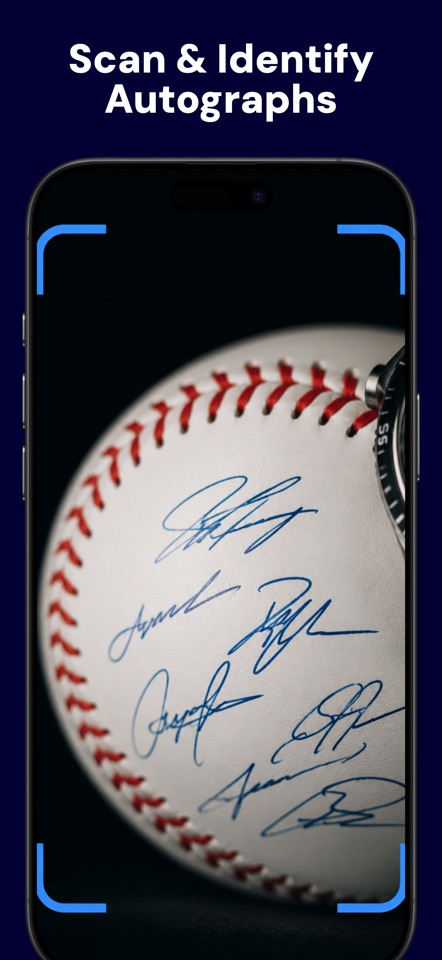
Photograph the signature on a ball, card, jersey, photo, document, or collectible.
Use the free AI signature scanner to photograph a signed item and get a starting point for who may have signed it, authenticity warning signs, and a possible value range.
Free to download · In-app subscriptions · Current prices shown in the app
Research is easier when you know what to look for. Autograph ID brings the first-pass clues together in one focused result.
Photograph the signature on a ball, card, jersey, photo, document, or collectible.
See likely identity, confidence, authenticity indicators, warning signs, and an estimated range.
Save the result, compare your research, and know when a professional authenticator is worth it.
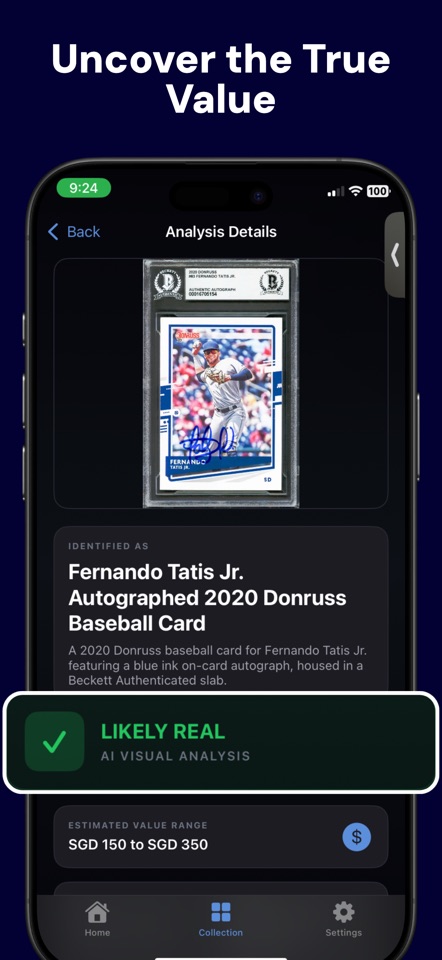
Save scans and analysis results in your saved collection so you can revisit your research when you find a certificate, receipt, or better comparison.
Use AI as your research assistant, then make the call with better context.
Researching an unfamiliar signature? Use our free printable autograph research worksheet to keep photos, possible signers, and comparison notes together.
A clear photo can help you research a possible signer. Autograph Identifier AI analyzes the selected image and suggests an identity, visual clues, and next steps. Compare the suggestion with documented examples and the history of your item. Read our photo identification guide for a practical checklist.
Keep the complete signature in focus and include enough of the ball, jersey, card, photograph, or document to show its context. Avoid reflections and do not edit or redraw the signature. Save a separate photo of the entire item for your own research.
No. Identifying a possible signer and establishing authenticity are different tasks. A copy can resemble a genuine signature. Use the app's observations as research leads and seek professional review for valuable items. Our authenticity guide explains the limitations.
Treat it as a starting point. Compare recent completed sales of similar items, considering condition, authentication, inscriptions, and provenance. An AI estimate is not a guaranteed sale price or an insurance appraisal. See the autograph value guide.
Scanning happens in the iOS app. Download Autograph Identifier AI on the App Store, then take or select a photo. Some features require a subscription; review the current options in the app.